Creative Coding Experiments

Home Digital Painting Computational Media About Me
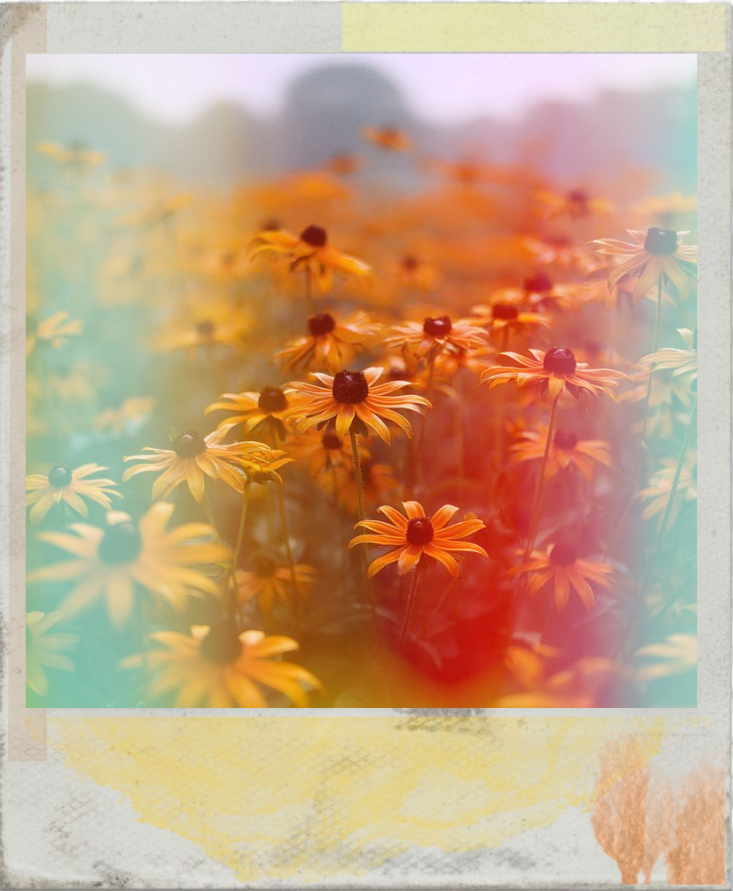
A digital image showing a simulated, aged and worn Polaroid of a botanical subject

Simulated Polaroid

Digital image, 2026
I began with a synthetic photograph of black-eyed susans, made in Midjourney. I then wrote a Python script (download) that algorithmically simulates material decay by introducing staged degradations—edge diffusion, tonal compression, color drift, and localized light artifacts. Rather than applying a single filter, the script executes these transformations sequentially, allowing each computational layer to interfere with and modify the previous one.
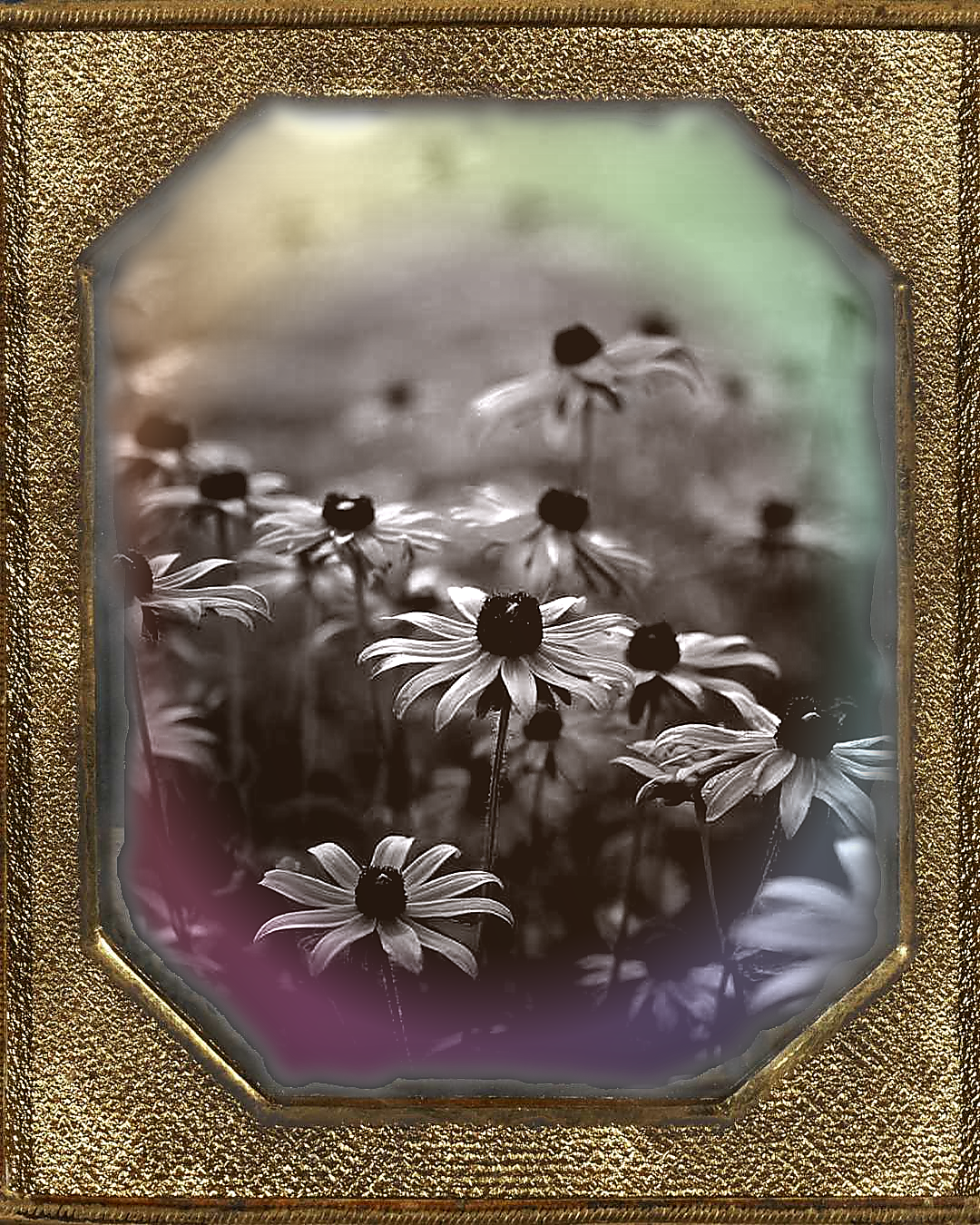
A digital image showing a simulated, aged and worn daguerreotype of a botanical subject

Simulated Daguerreotype

Digital image, 2025
Process notes: I began with a synthetic photograph of black-eyed susans, made in Midjourney. I then processed the image using a Python script (download) that converts the photograph to grayscale, reshapes its tonal curve, and maps it onto a simulated silver plate surface with sheen, vignette falloff, and tarnish artifacts.

An image of a 35mm slide showing a photograph of a field of black-eyed Susans

Simulated 35mm Slide

Digital image, 2025
Process notes: I began with a synthetic photograph of black-eyed susans, made in Midjourney. I then processed the image with a Python script (download) that introduced film grain, vignetting, and color bias inspired by 35mm slide photography. Finally, the script precisely plays the image inside a digital slide mount I created in Photoshop, layering texture and border elements.

An animated reveal like photographic development in a chemical bath.

In the Developer Fluid

Digital image, 2025

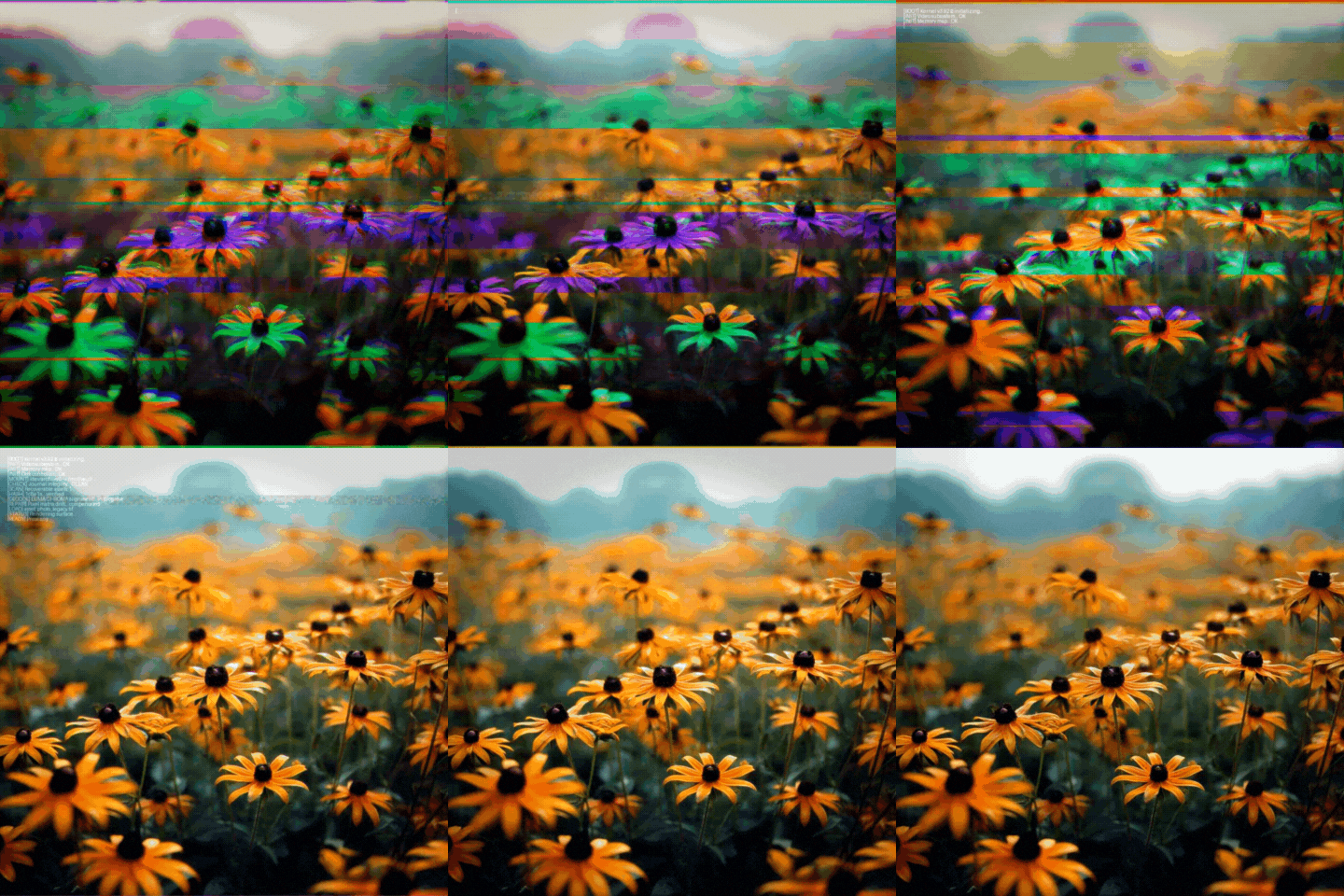
I began with a synthetic photograph of black-eyed susans, made in Midjourney. I then processed the image with a Python script (download) that animates the gradual emergence of the image using layered noise fields, threshold masks, bloom effects, and evolving color casts that simulate photographic development in a chemical bath. Each frame reveals additional image detail until the photograph fully resolves.

A video of a botanical specimen photograph materializing through electronic glitches

Glitch Reveal

Digital image, 2025
I began with a synthetic photograph of black-eyed susans, made in Midjourney. I then processed the image with a Python script (download) to deliberately corrupt the image using channel misalignment, scanlines, noise-driven tearing, and glitch artifacts before gradually stabilizing the image over time. A simulated boot-up overlay reinforces the metaphor of digital recovery.

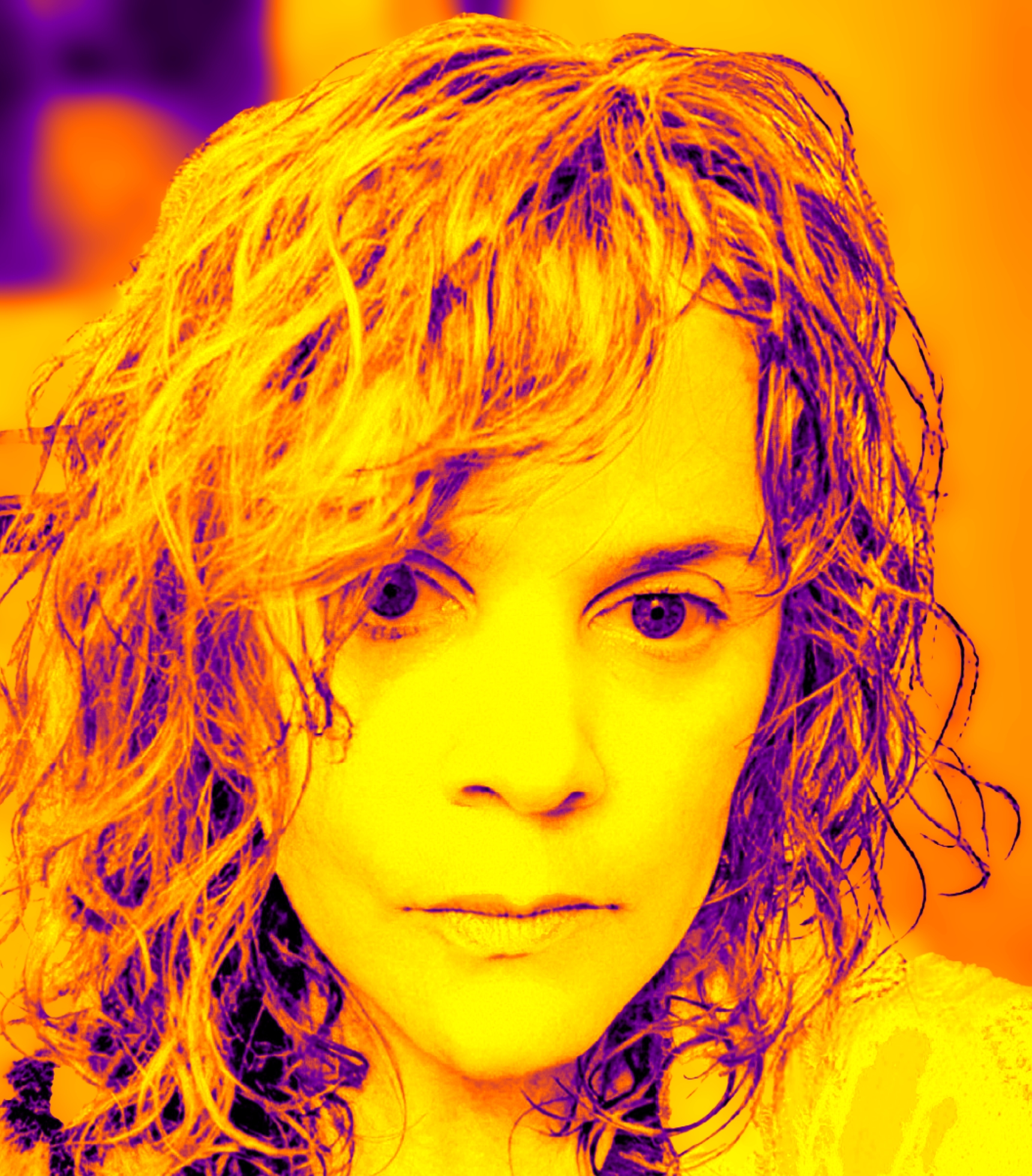
An image of a woman rendered in purple, orange, and yellow

Sometimes I Burn

Digital image, 2025
Process notes: I began with a photographic self-portrait. I used Photoshop to construct a depth map of the image by manually segmenting the image into spatial regions using selection tools and tonal adjustments. I then processed this depth map with a Python script (download) that reads pixel-level depth values and remaps them to a false-color heat visualization.